You can add new sections to your homepage directly from the Site Editor.
To add a section:
- Open your website while logged in.
- Click Edit Site from the WordPress toolbar.
- Open the Front Page.
- Click the + button where you want to add a new section.
- Select Patterns from the block inserter.
- Browse the available patterns or use the search field to find a specific section.
- Select the pattern you want to add.
- The pattern will be inserted into your homepage.
- Customize the section as needed.
- Click Save.

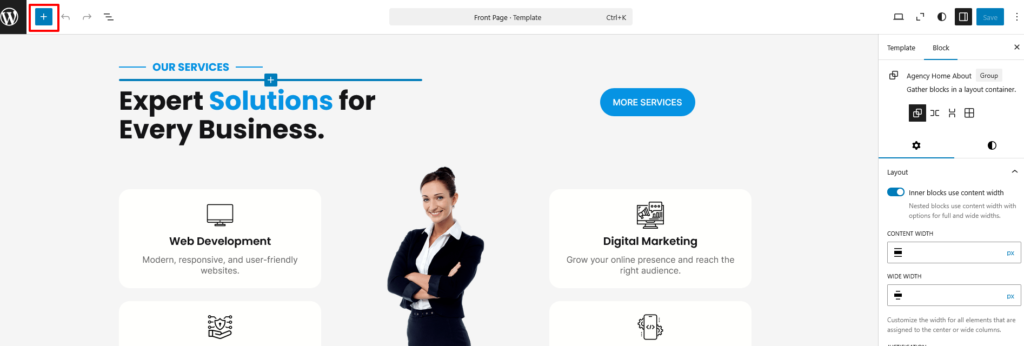

You can use the same process to add different sections such as About, Services, Features, CTA, Team, Testimonials, Client, Contact, Blog, and other available patterns.
Each inserted pattern can be customized independently without changing the original pattern provided by the theme.